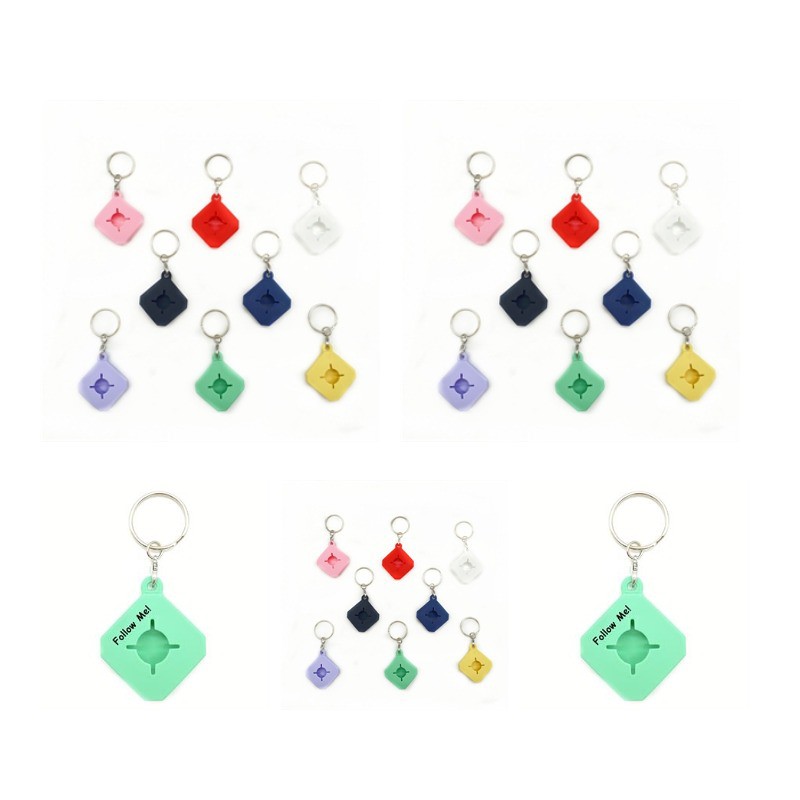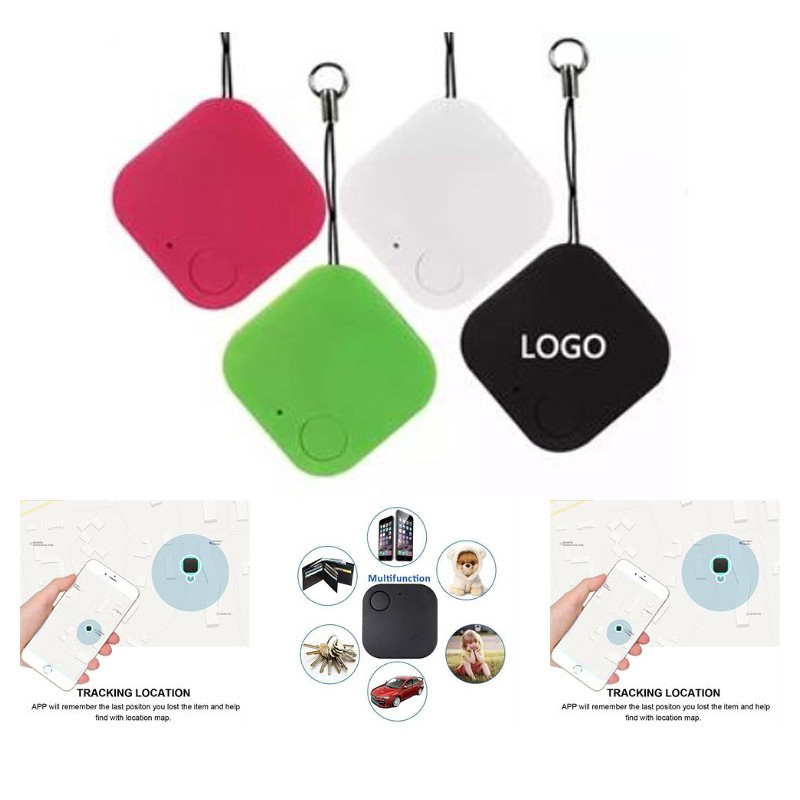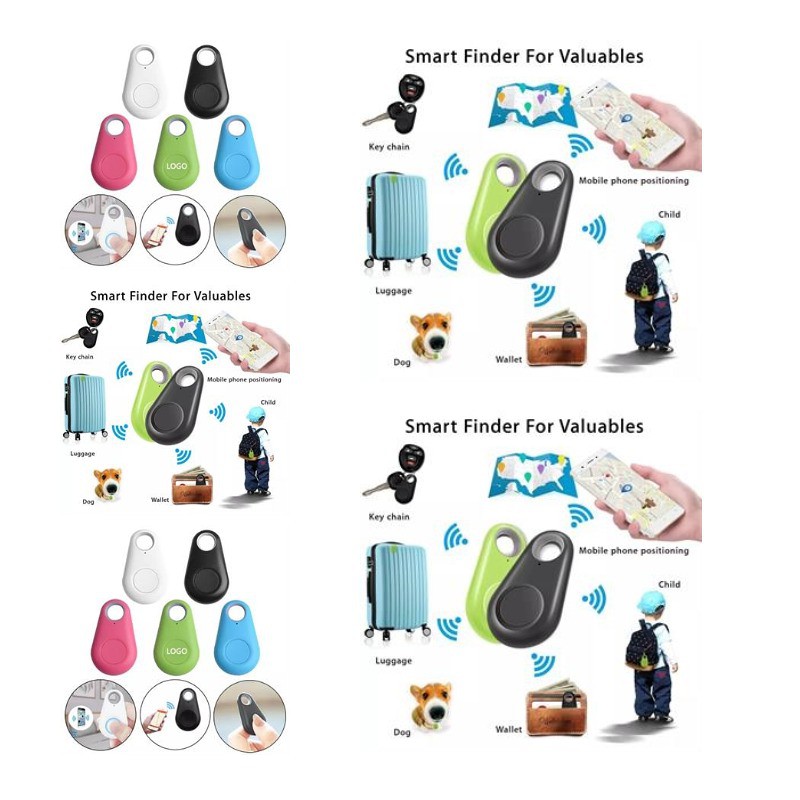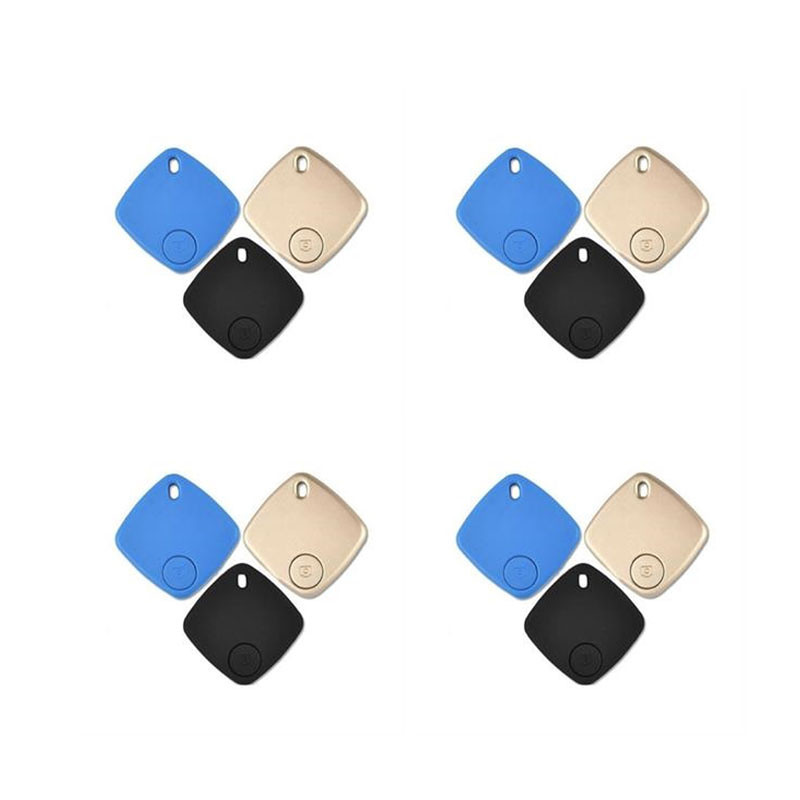
Wireless Anti Lost Alarm Key Tracker
wp1926
Come and see our amazing products. Please turn on Bluetooth function of mobile phone. Long press the Small Lovely photo button for 3 seconds to start up, and enter the automatic registration mode after hearing two beeps. Please click on + in the registration screen and put Small Lovely near the phone. Small Lovely will automatically match the phone. After searching Small Lovely on your phone, you can change its name and click to connect to Bluetooth. When Small Lovely is connected to the Bluetooth of your phone, you can start searching for objects, anti-loss map, location, selfie, looking for your phone, etc. To turn off Small Lovely, quickly press the photo button five times in the disconnected state and turn it off after three clicks. Pls confirm with us about the packing info, stock color and exact production time before placing your order
Category: BLUETOOTH TRACKERS & GPS DEVICE ACCESSORIES,Key Chains-General
Color: White, Black, Gray, Blue, Purple, Red, Orange, Brown,
Material: ABS
Size: 1.5 " x 1.5 " x 0.23 "
Price(ccccc)
| Quantity | 500 | 1000 | 1500 | 2000 | 3000 | 5000 | 10000 |
|---|---|---|---|---|---|---|---|
| Price | 4.72 | 4.06 | 3.81 | 3.72 | 3.62 | 3.57 | 3.53 |
Imprint Method: Laser/Silkscreen
Imprint Color: Up to 2 colors
Price Includes: Base on 1 color 1 side logo and shipping to CA
Full Color Process: Pls check with us before placing your order
Sold Unimprinted: Yes
| Quantity | 1 |
|---|---|
| Price | 60 |
Production Time: 15-25 Days
Rush Service: Y
Rush Time: 13 Days
Packaging: Case,Poly Bag
Free Shipping: Yes
RELATED PRODUCTS